Your first workout
From install to your first feedback, in one workout.


1. Sign in
Install XTA and sign in with Apple or Google. The app asks a couple of questions about how you train and, on iPhone, offers to connect Apple Health.
Then it asks about feedback. Tap Enable AI Features so XTA can read your workouts and write your feedback. You can skip it and still log everything, but no feedback arrives. Turn it on any time in Settings → AI Features.
2. Your first workout, two ways
Let Kraft build it
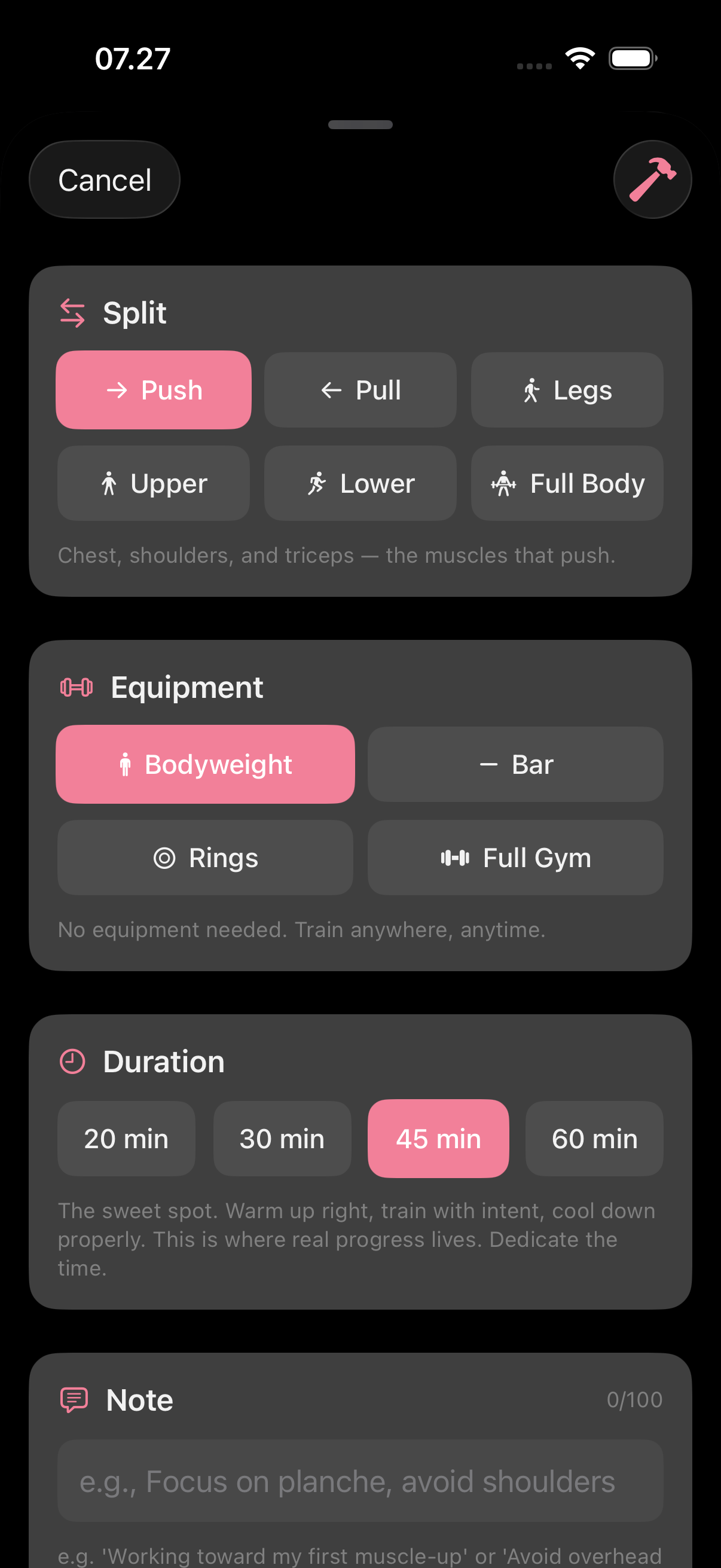
Onboarding offers it, or open Kraft any time. Tell it what you want to train, the equipment you have and how much time. Add anything else: "working toward my first muscle-up", or an injury to work around. One Kraft workout a week is free.
Build your own
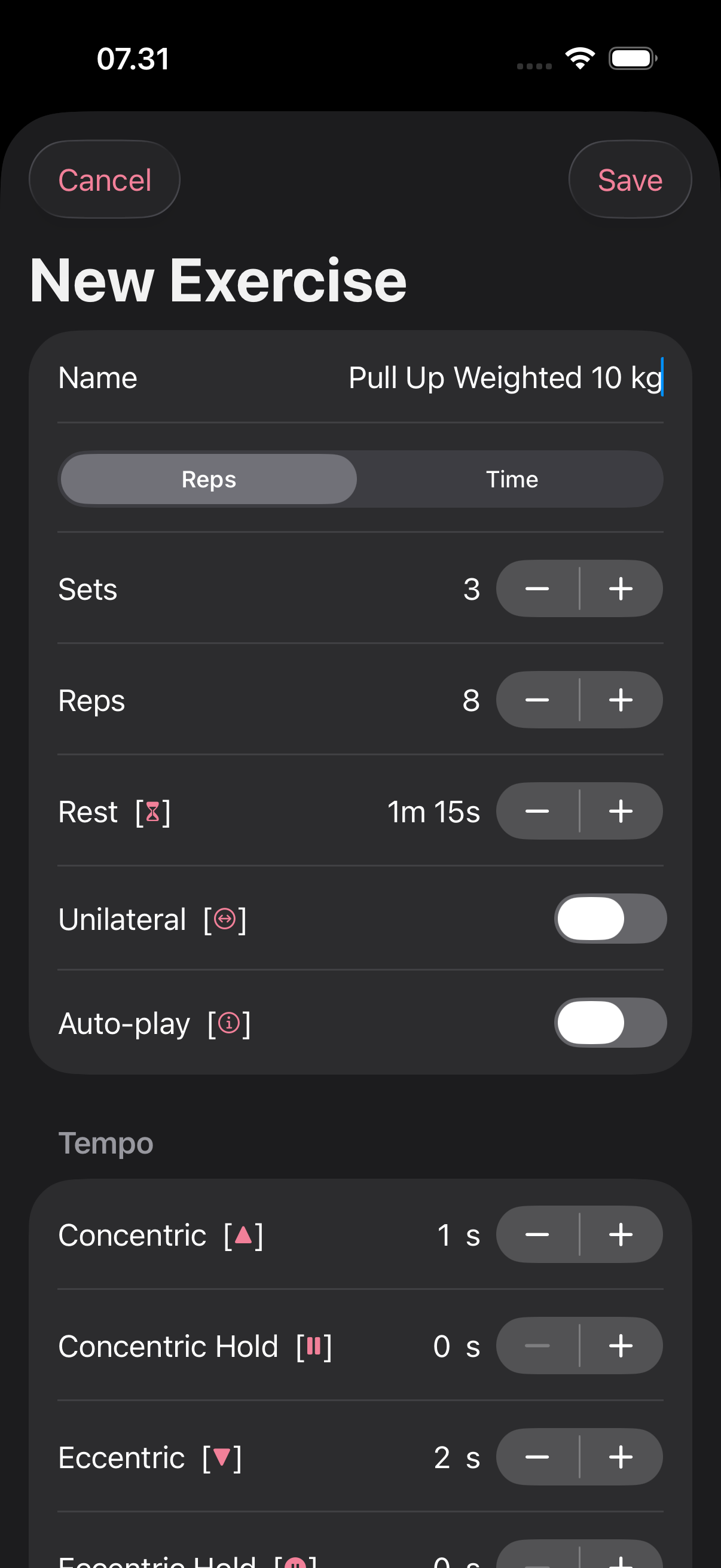
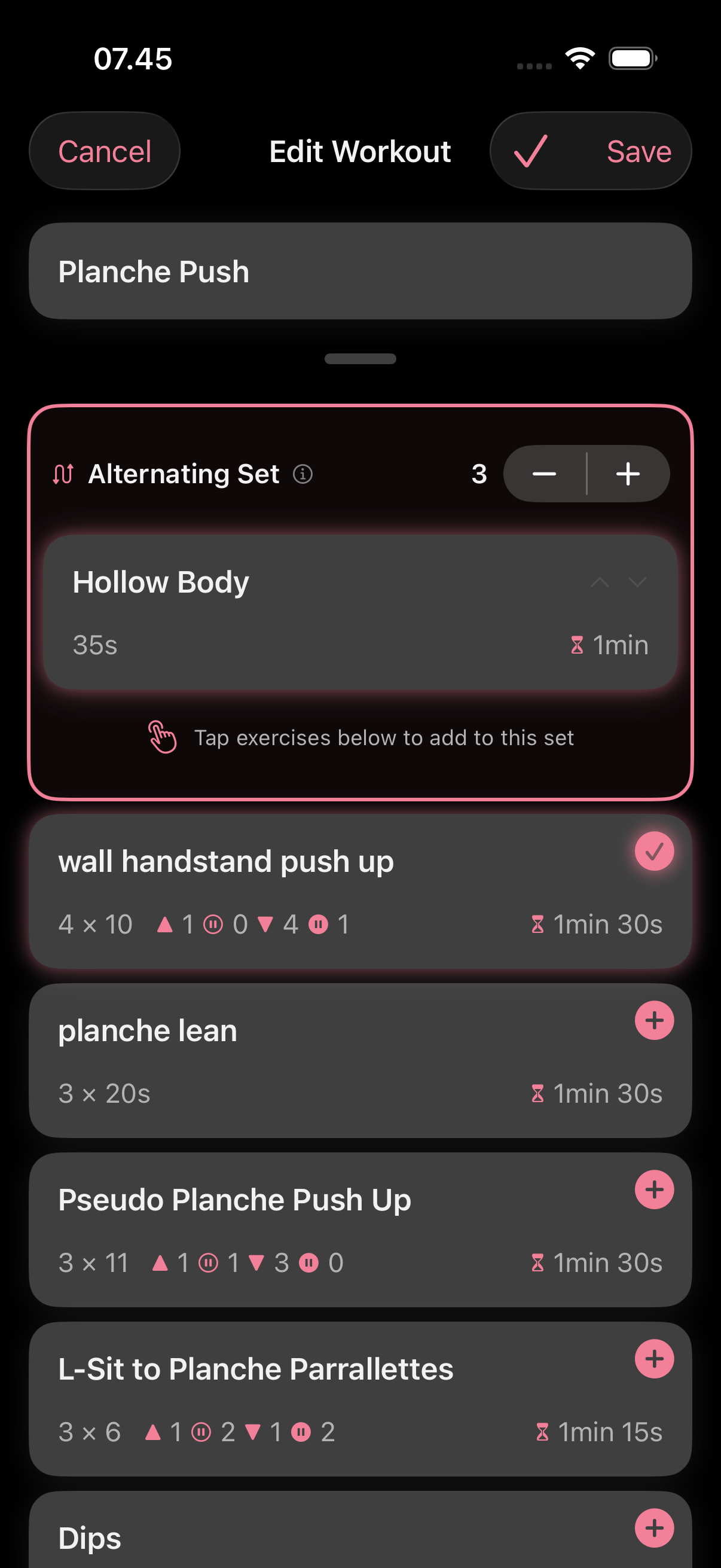
Tap Create Workout, then Add Exercise. For each exercise, set reps or time, the number of sets, rest and tempo. Turn on Unilateral for one-sided exercises and you log left and right separately. Group exercises into an alternating set to run them back to back, what other apps call a superset.
3. Train
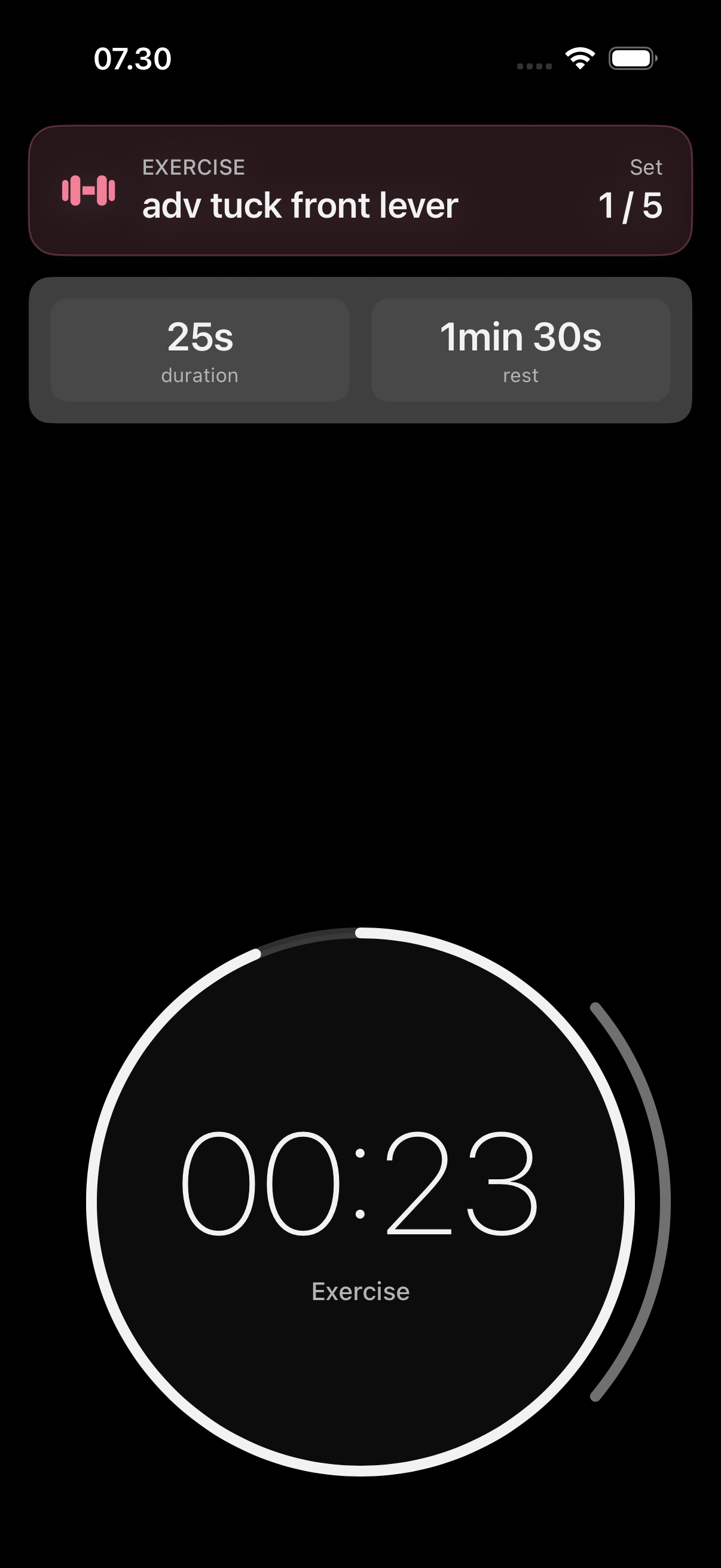
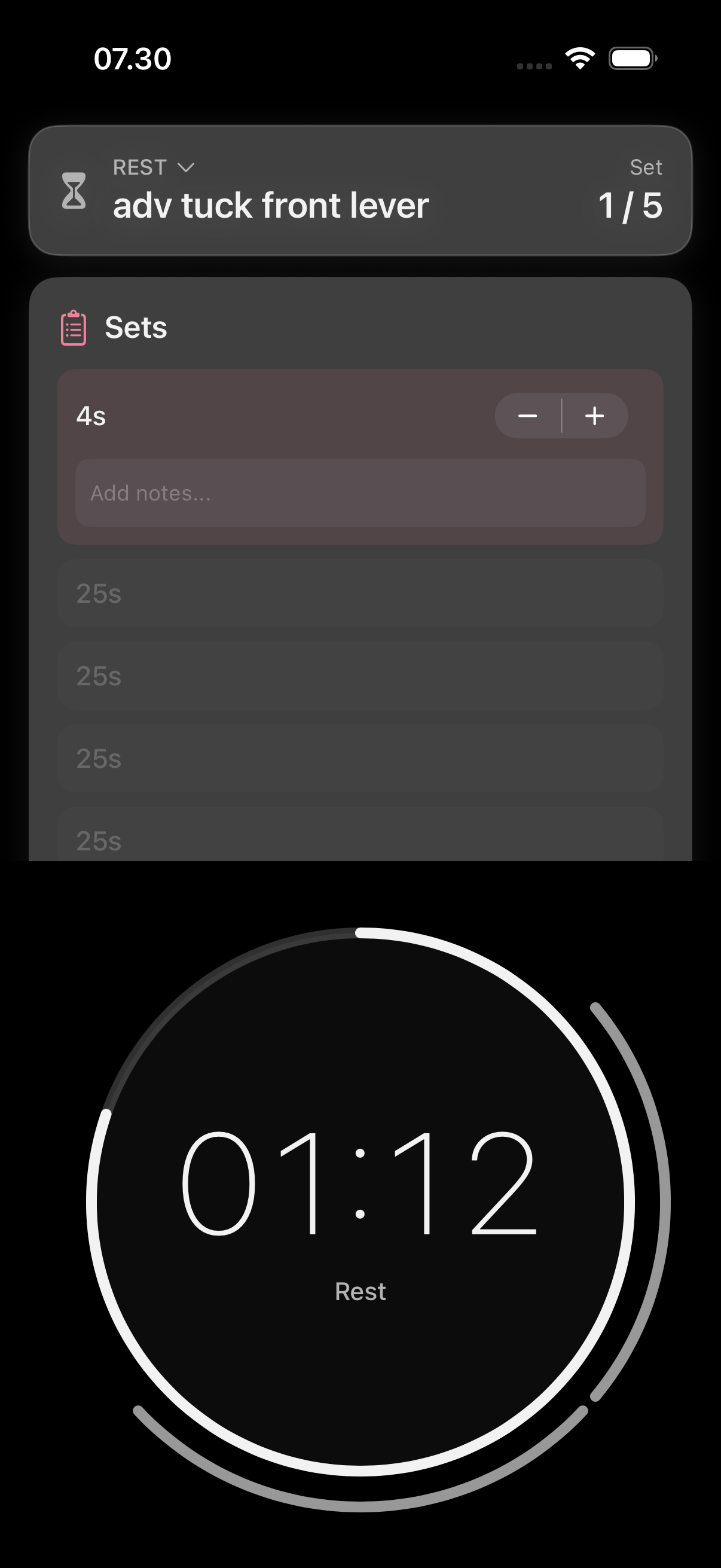
Start the workout. The first time, the app shows you the swipes that move you through it. Log each set as it happens: adjust the reps or seconds, left and right for one-sided exercises, add a note, or add a set when you have one more in you. The rest timer runs between sets and shows what comes next. It works from Apple Watch too.
4. Finish, then read what XTA saw
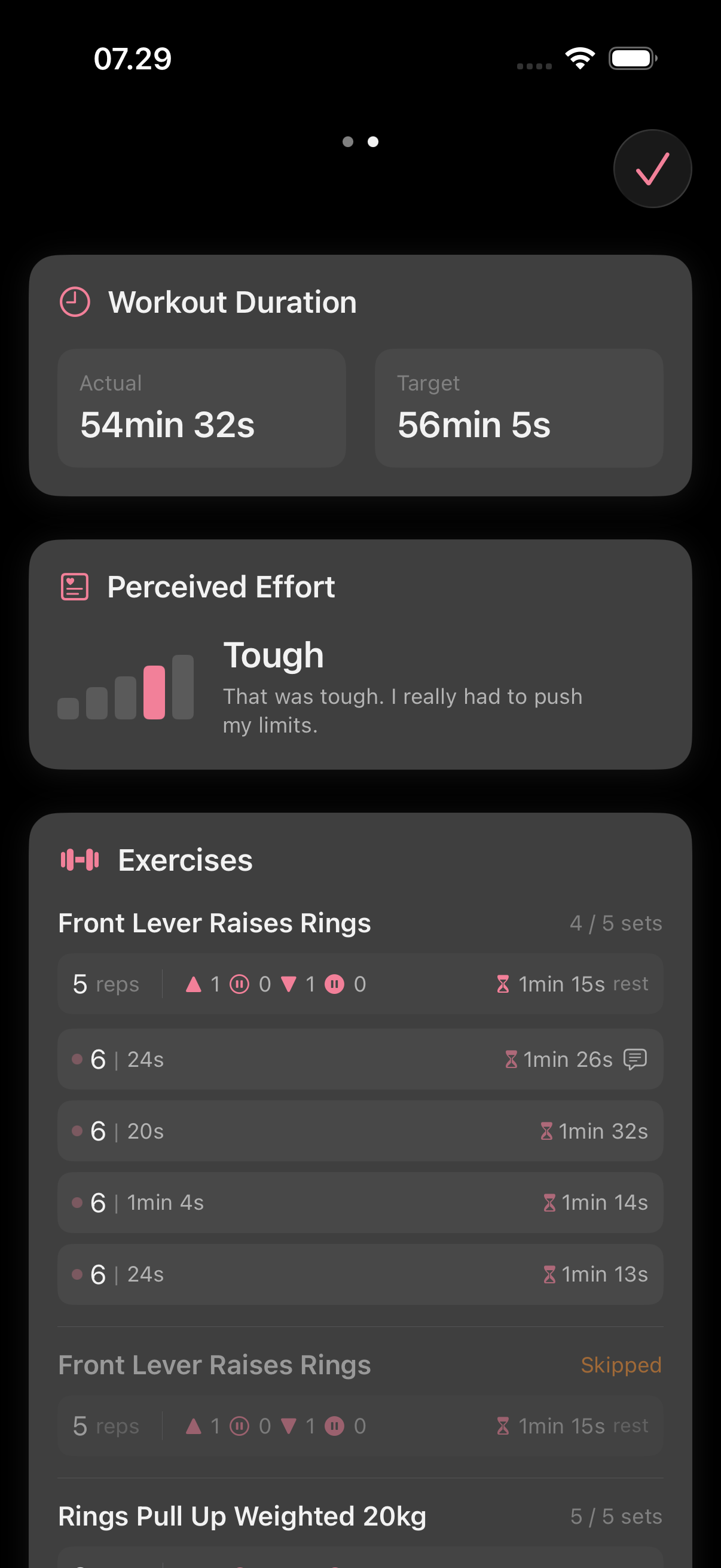
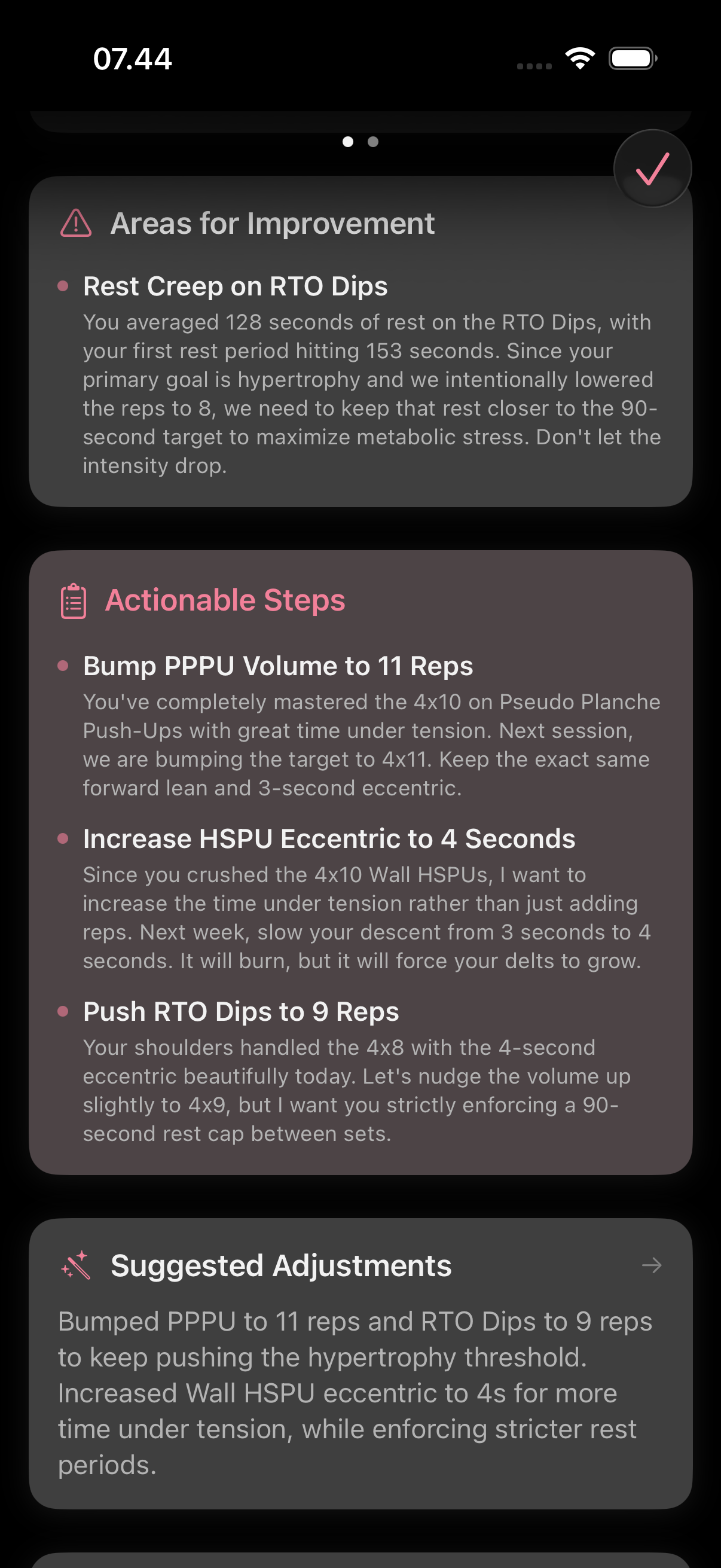
Finish the workout and say how it felt. About a minute later, Tap to view your feedback appears: what went well, areas for improvement and actionable steps, read against your recent workouts. One feedback is free every week. XTA Apex covers every workout.
What comes next
- Chronicle: at the start of each week, the story of your week, read against your whole journey. On XTA Apex.
- Reflection: over time, yourself, seen through your workouts.
- Claude + ChatGPT: let the assistant you already use read your training and set up your next workout. Connect Claude or ChatGPT.
- Motion Science: see how a movement works before you train it. Explore Motion Science.
Stuck anywhere? Support answers within 24 hours.